Chapter 19 of 40
TableOptions: behaviour and look
Start with all defaults, change only what you need.
After this chapter you can
- create options with the spread pattern
- switch hover, borders, resizing, dragging
- auto-size the columns
The pattern: defaults + your changes
Options are a plain object of type TableOptionsIf. TableOptions contains all
defaults; spread it and override only what differs:
import { TableOptions, type TableOptionsIf } from "@guiexpert/table";
export function createOrderTableOptions(): TableOptionsIf {  return {    ...new TableOptions(),                                    // all defaults …    hoverRowVisible: true,                                    // … highlight the row under the mouse    hoverColumnVisible: false,                                // … but not the column    columnsResizable: true,                                   // drag the column border    columnsDraggable: true,                                   // drag a header to move the column    verticalBorderVisible: false,                             // calmer look: only horizontal lines    defaultRowHeights: { header: 40, body: 30, footer: 36 }   // read by the TableFactory models  };}
const options = createOrderTableOptions();const tableModel = TableFactory.createTableModel({ rows: orders, columnDefs, tableOptions: options }); // row heights
TableOptionsIf.defaultRowHeights is read by the factory when it creates the area models – that's why
the options go into createTableModel as well as into the TableScope.
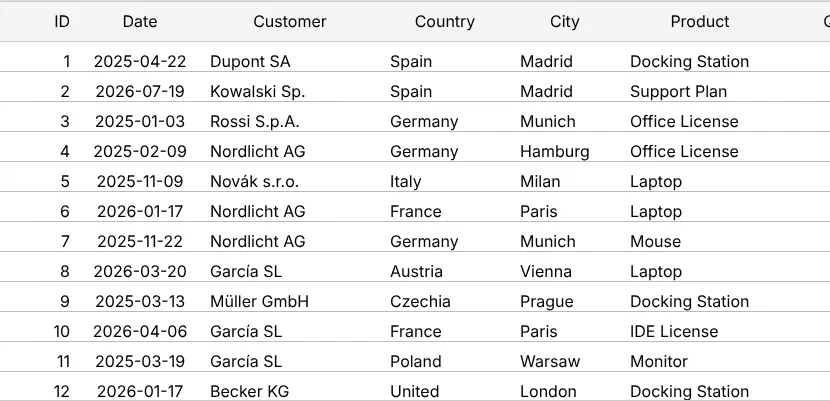
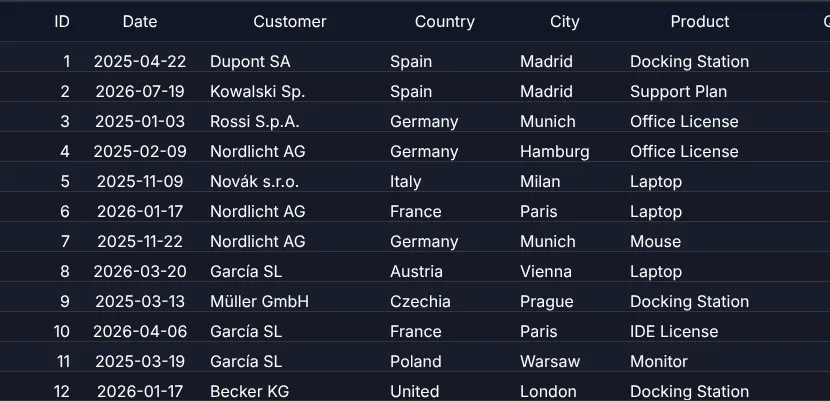
The options you will use most
| Option | Default | Effect |
|---|---|---|
hoverRowVisible / hoverColumnVisible | true / true | highlight row / column under the mouse |
columnsResizable | true | drag the right border of a header cell |
columnsDraggable | true | drag a header to move the column |
verticalBorderVisible / horizontalBorderVisible | true / true | grid lines |
defaultRowHeights | header 34, body 34, footer 34 | row heights of the factory models |
externalFilterFunction | – | chapter 21 (Filtering) |
getSelectionModel, getFocusModel | one per table | chapter 22 (Selection & copy) |
autoRestoreOptions | off | chapter 33 (Persist state) |
showCheckboxWihoutExtraColumn | false | chapter 30 (Tree table) |
shortcutActionIdMapping, shortcutActionsDisabled | OS defaults | keyboard shortcuts |
The complete list with descriptions: TableOptionsIf.
Column widths from the content
autoSizeButton.addEventListener("click", () => tableApi.autoResizeColumns());
TableApi.autoResizeColumns() measures the real text of header, body and footer with the font of the table
(at most 30 sample rows per column – 100,000 rows take less than half a second).
Next
chapter 20 (Sorting) – by double-click, with own comparators and from code.