Chapter 21 of 40
Filtering with a live search
The filter UI is yours – the table only asks: show this row?
After this chapter you can
- set an externalFilterFunction
- trigger the filter on input
- combine several criteria
Your UI, the table's question
The GuiExpert Table has no built-in filter row – on purpose. Your app knows best whether a filter is a search field, a
slider, a date range or a sidebar with checkboxes. The table asks one question per row:
show this row? You answer it with TableOptionsIf.externalFilterFunction.
The filter function
import type { Order } from "./data/orders";
export const orderFilter = { text: "", minTotal: 0 };
export function matchesOrder(order: Order): boolean {  if (order.total < orderFilter.minTotal) return false;  const query = orderFilter.text.trim().toLowerCase();  if (!query) return true;  return `${order.customer} ${order.country} ${order.city} ${order.product}`    .toLowerCase().includes(query);}
Plain TypeScript – testable without a browser. The state lives in a small object your UI writes to.
Connect it
options.externalFilterFunction = matchesOrder; // before the table startsfunction filterChanged(): void { tableApi.externalFilterChanged(); // runs matchesOrder() for every row const shown = tableApi.getBodyModel().getRowCount(); // rows after the filter info.textContent = `${shown} of ${orders.length} orders`;}search.addEventListener("input", () => { orderFilter.text = search.value; filterChanged(); });minTotal.addEventListener("input", () => { orderFilter.minTotal = Number(minTotal.value); filterChanged(); });
TableApi.externalFilterChanged() runs the function for every row, keeps the current sort order and repaints.
TableApi.getBodyModel().getRowCount() then returns the number of remaining rows.
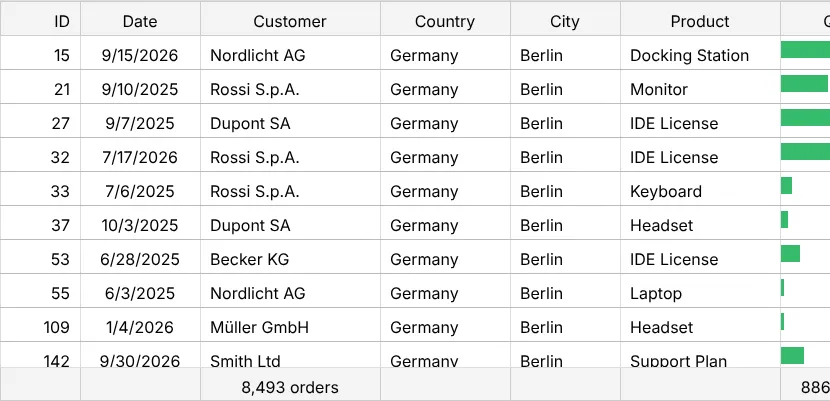
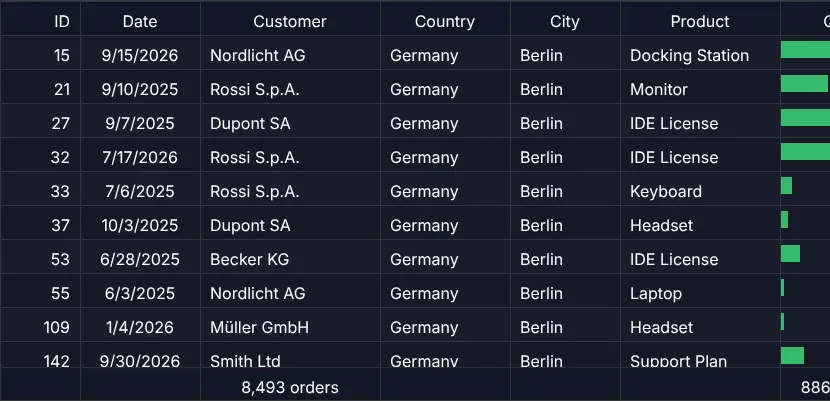
What happens
- The footer of chapter 16 (Footer totals) follows the filter automatically.
TableApi.copyToClipboard()andTableApi.downloadExcel()work on the filtered view (chapter 24 (Excel export)).- The original array is never changed – clear the filter and all rows are back.
More filter UIs
The showcase Slider filter uses a range input instead of a search field – the same mechanism with another UI.
Next
Selecting cells, rows and ranges – and copying them to Excel: chapter 22 (Selection & copy).