Scan to clean PDFs
Turn receipts, contracts and notes into crisp, shareable PDFs. No ads. Your data stays on your iPhone.
Features
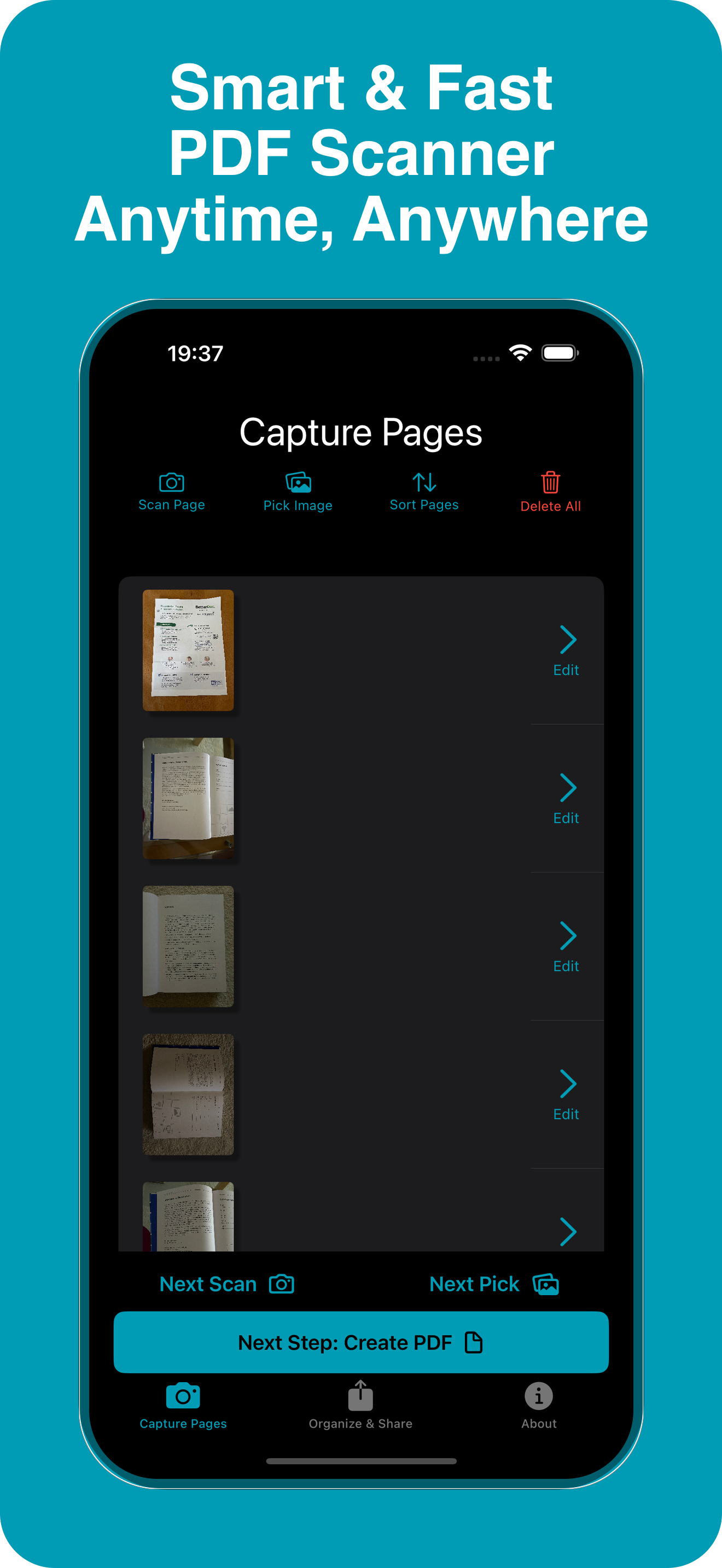
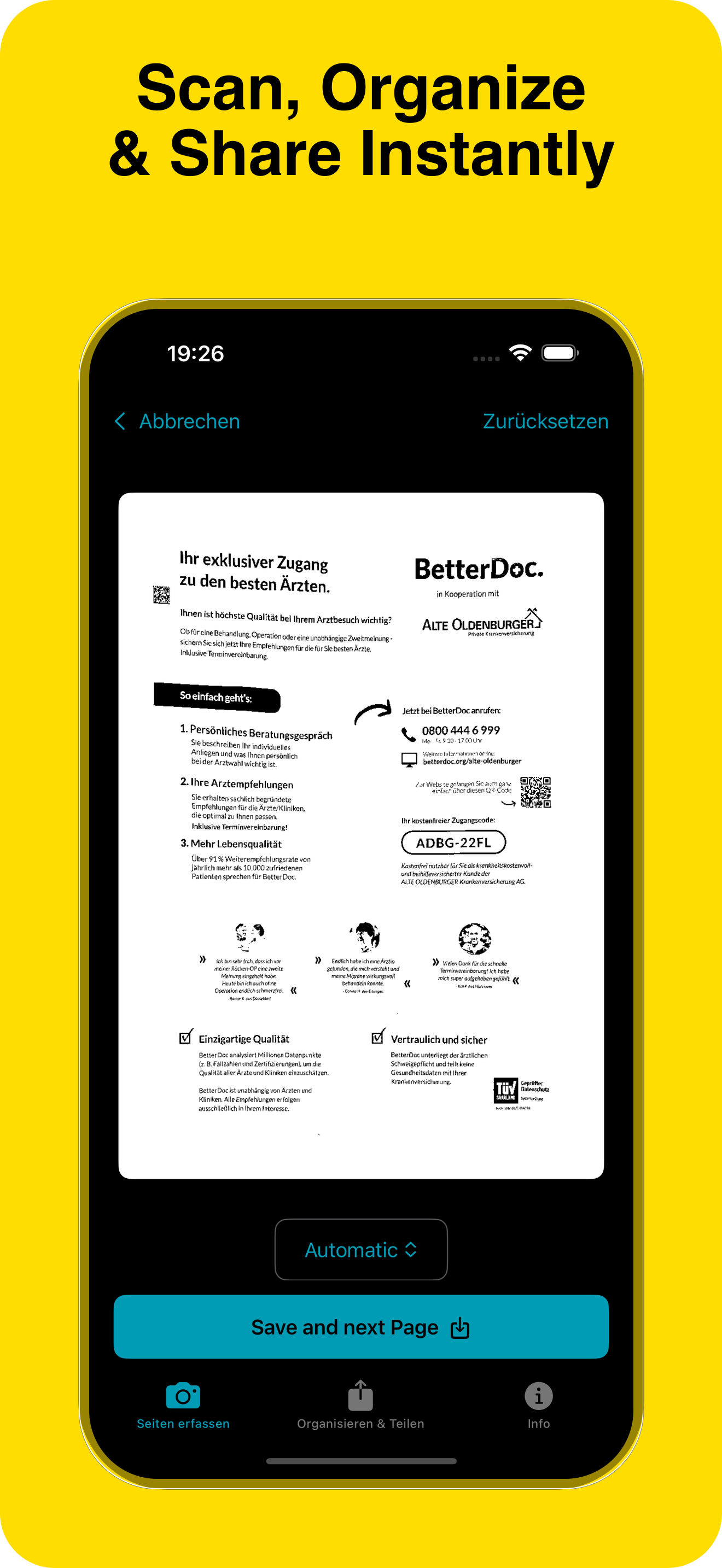
Scan to PDF
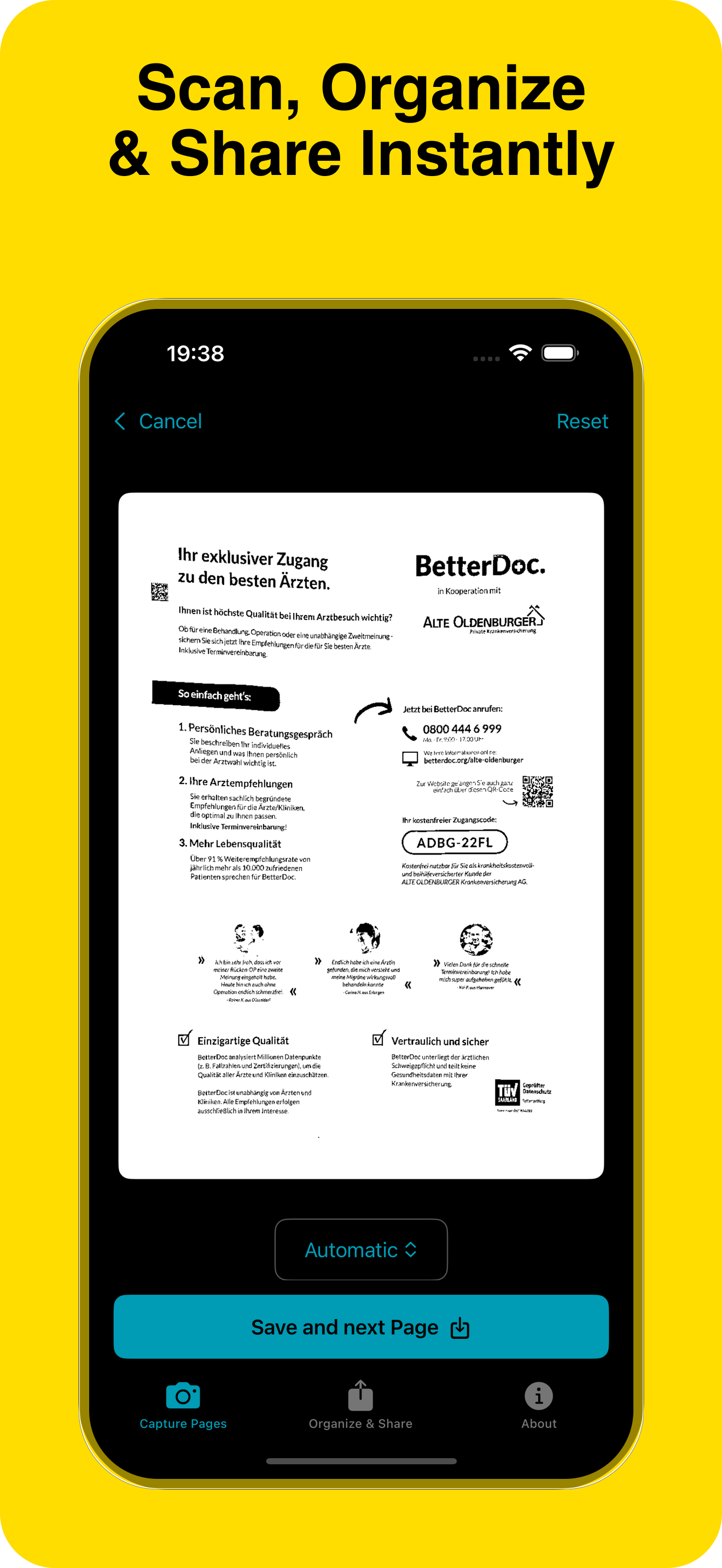
Capture pages in high quality and save as a clean PDF.
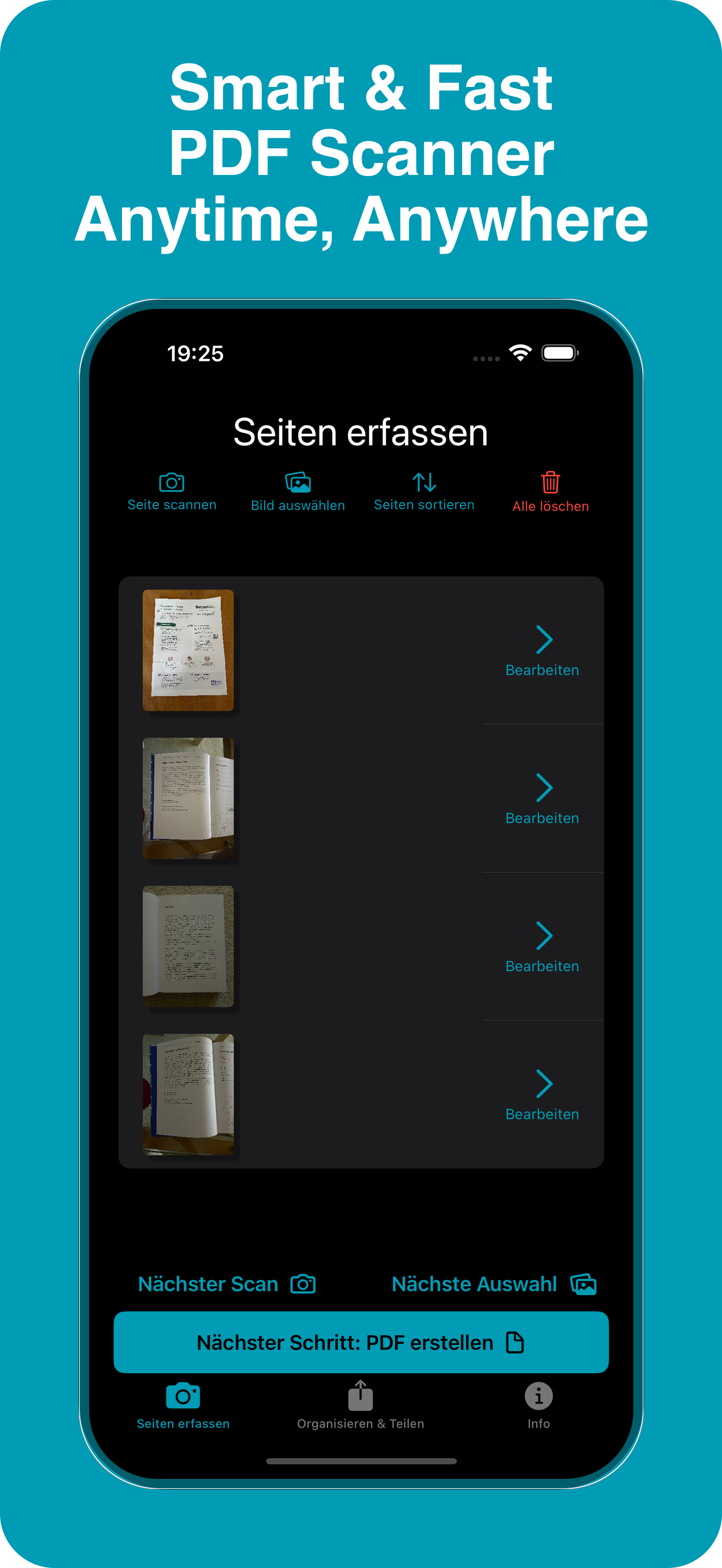
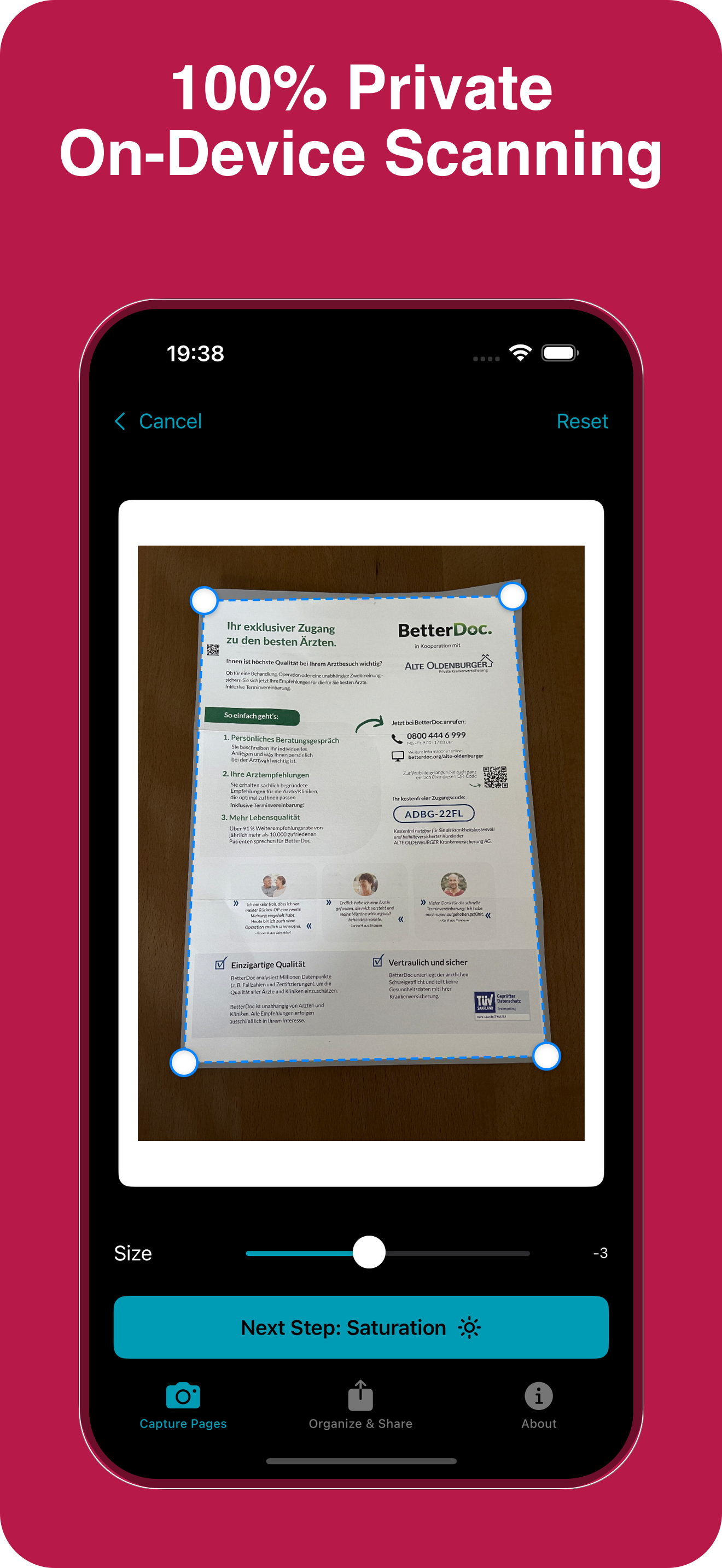
Auto‑crop
Detects edges and fixes perspective automatically.
OCR text
Search and copy text with on‑device recognition.
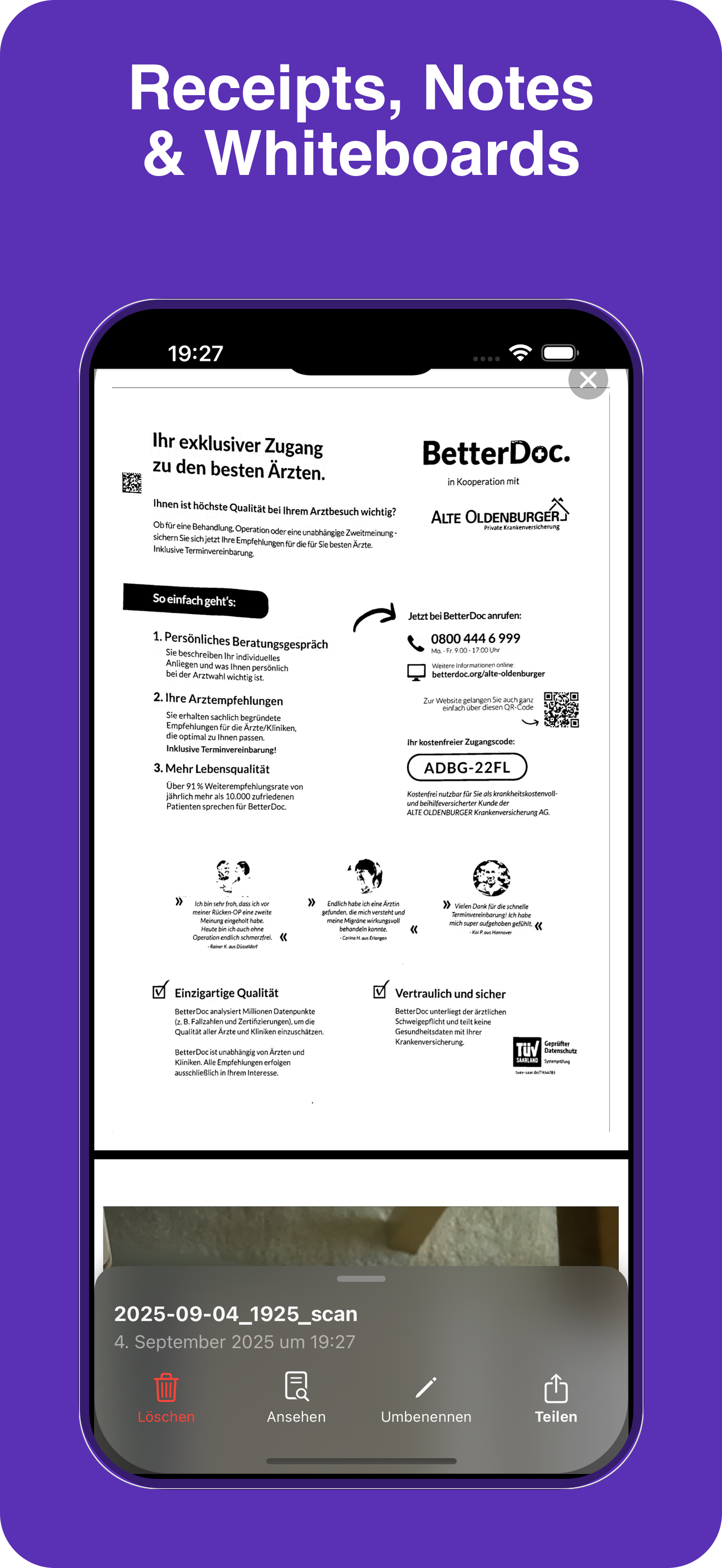
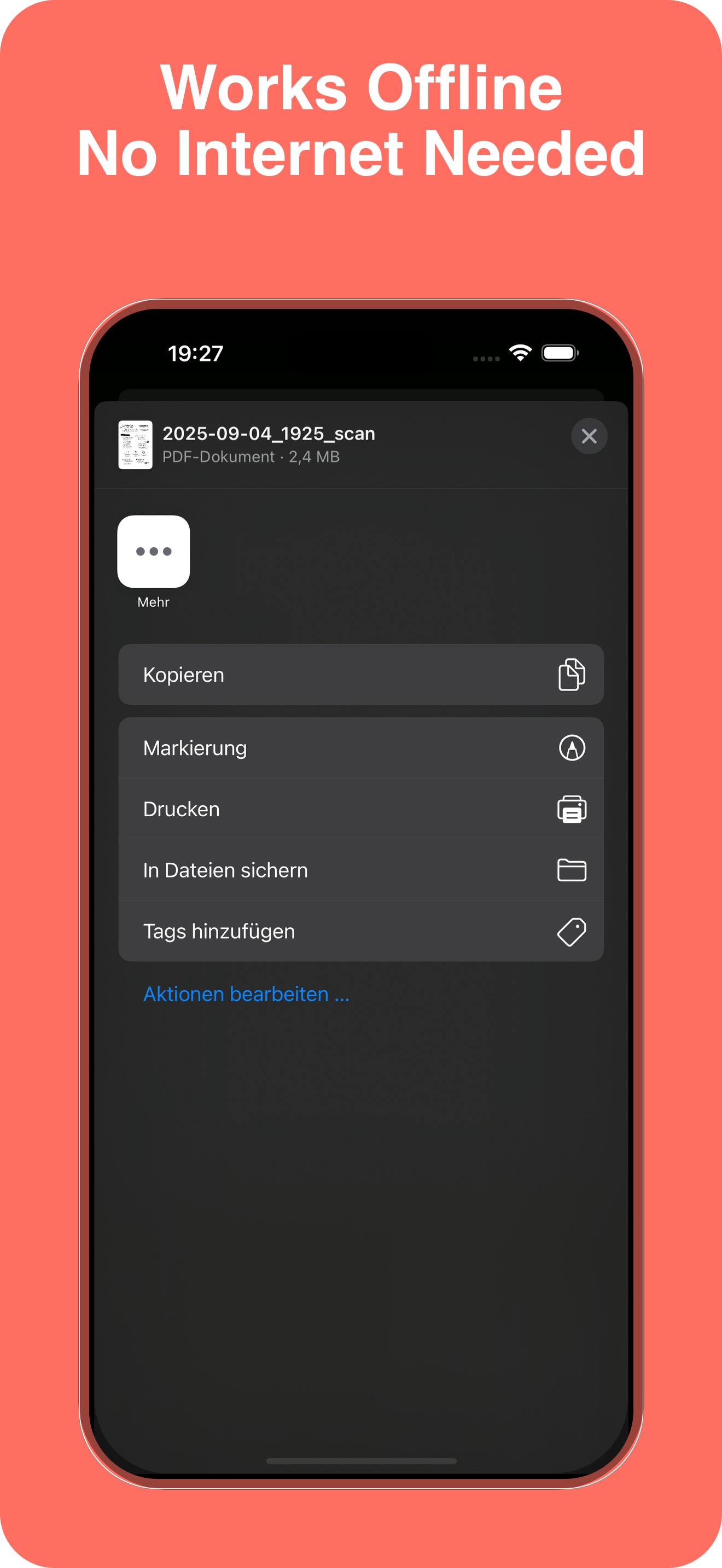
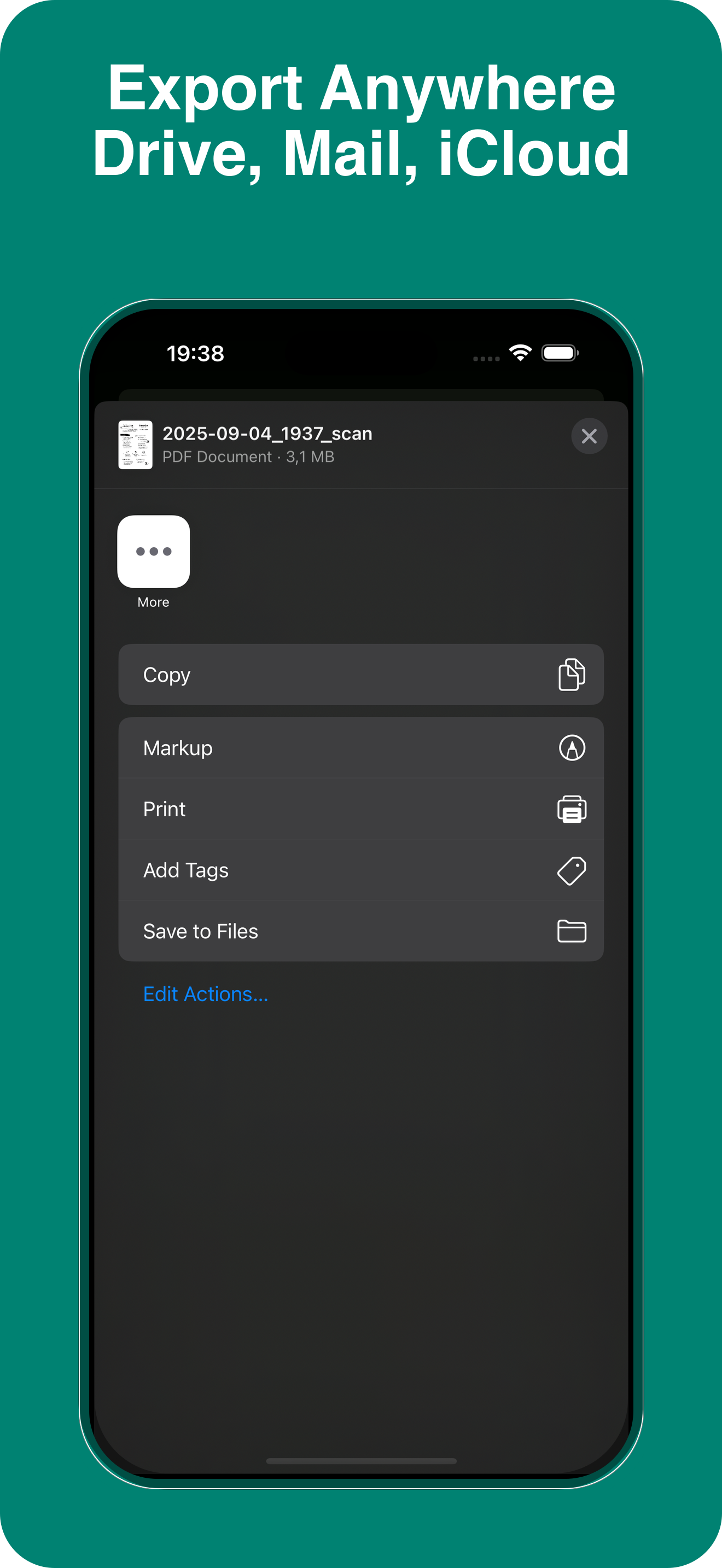
Share & Export
Send by Mail, Messages, or open in your favorite apps.
iCloud Drive
Keep scans safe and synced across your devices.
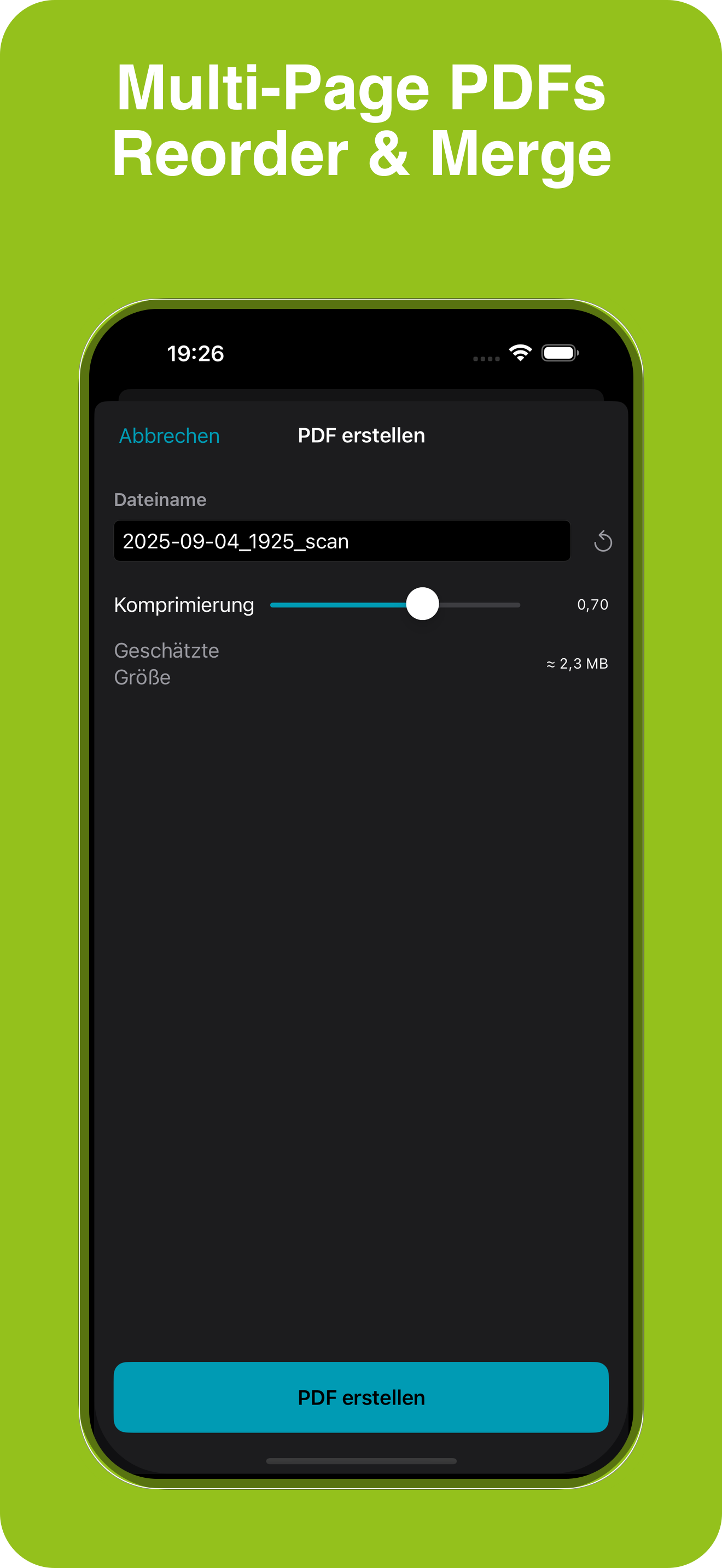
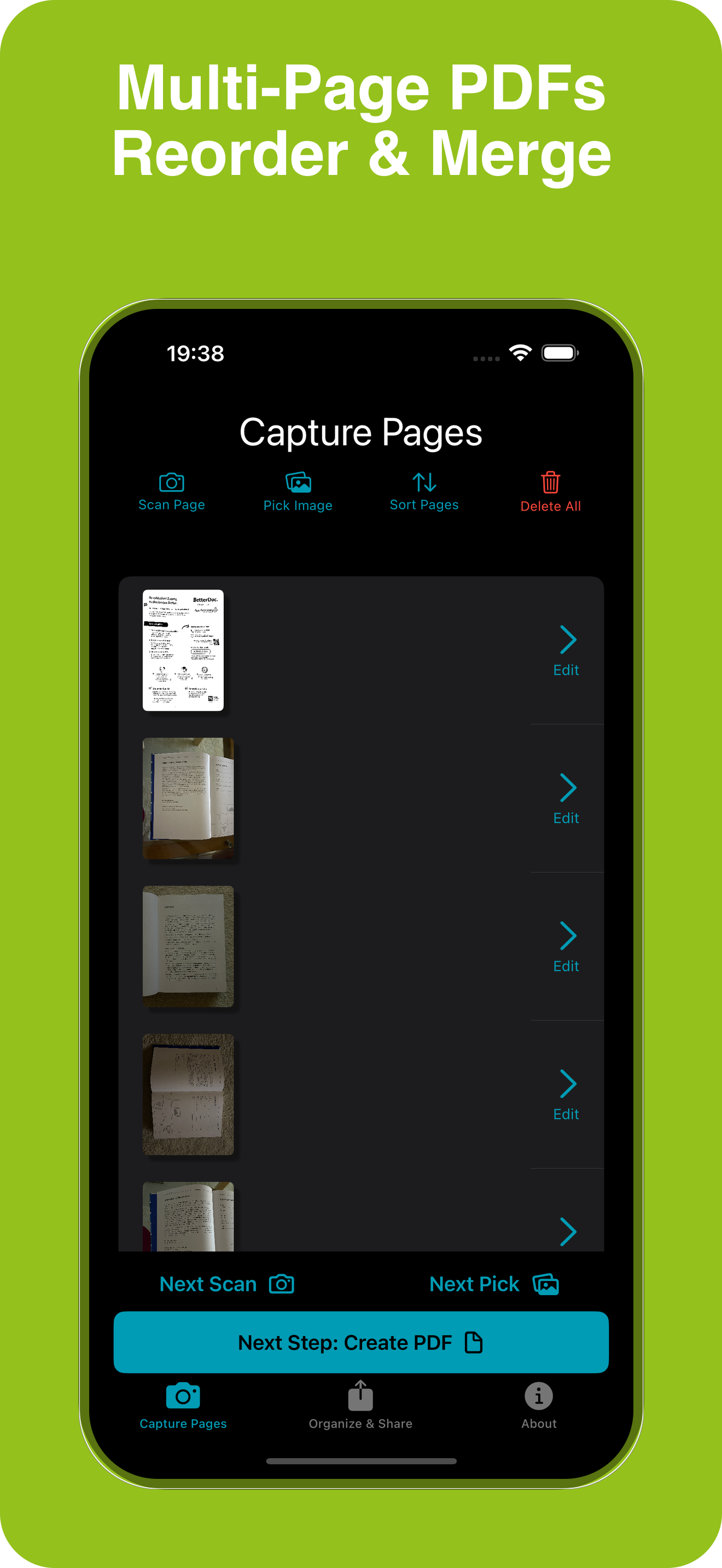
Multi‑page
Combine multiple pages into one tidy document.
How it works
1. Capture 📷
Point at a document and snap. The app finds the page automatically.
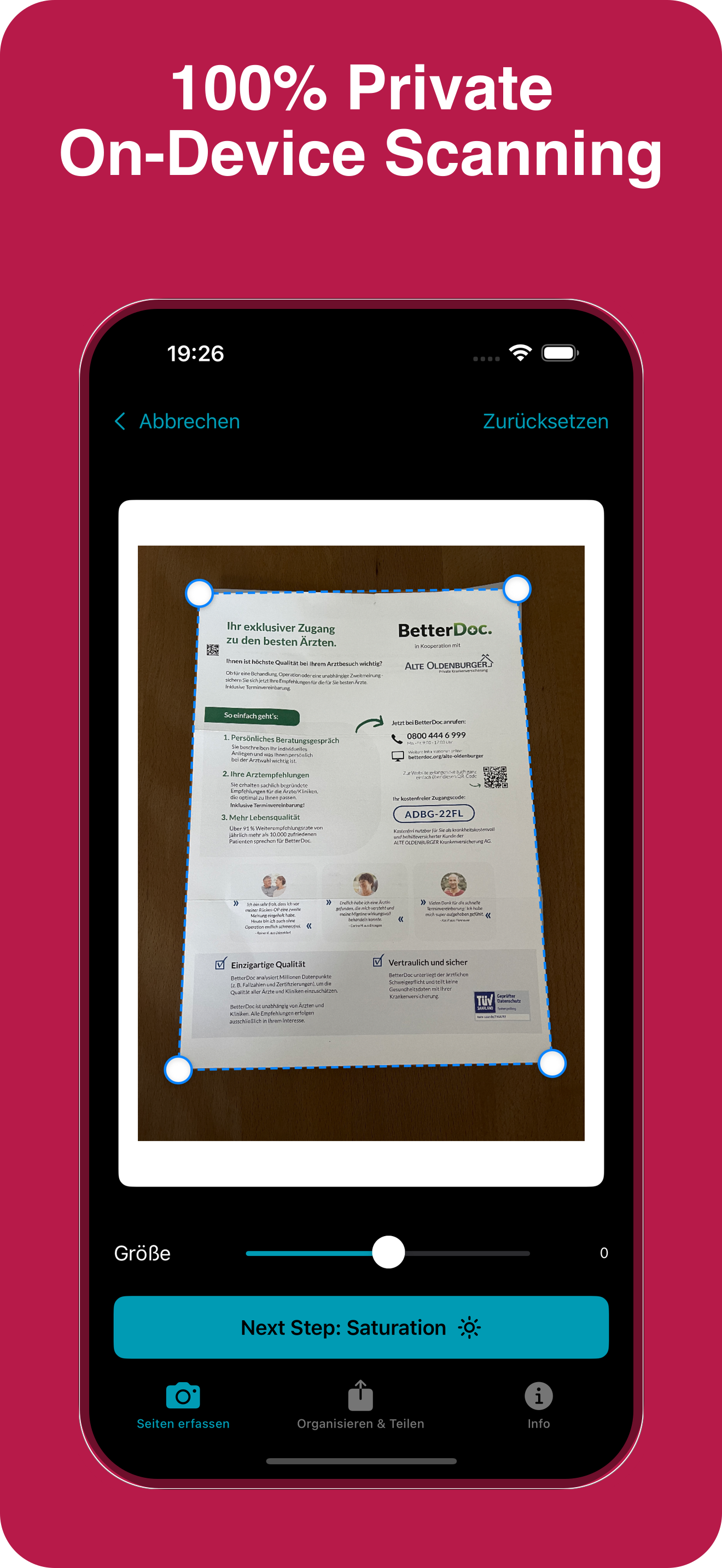
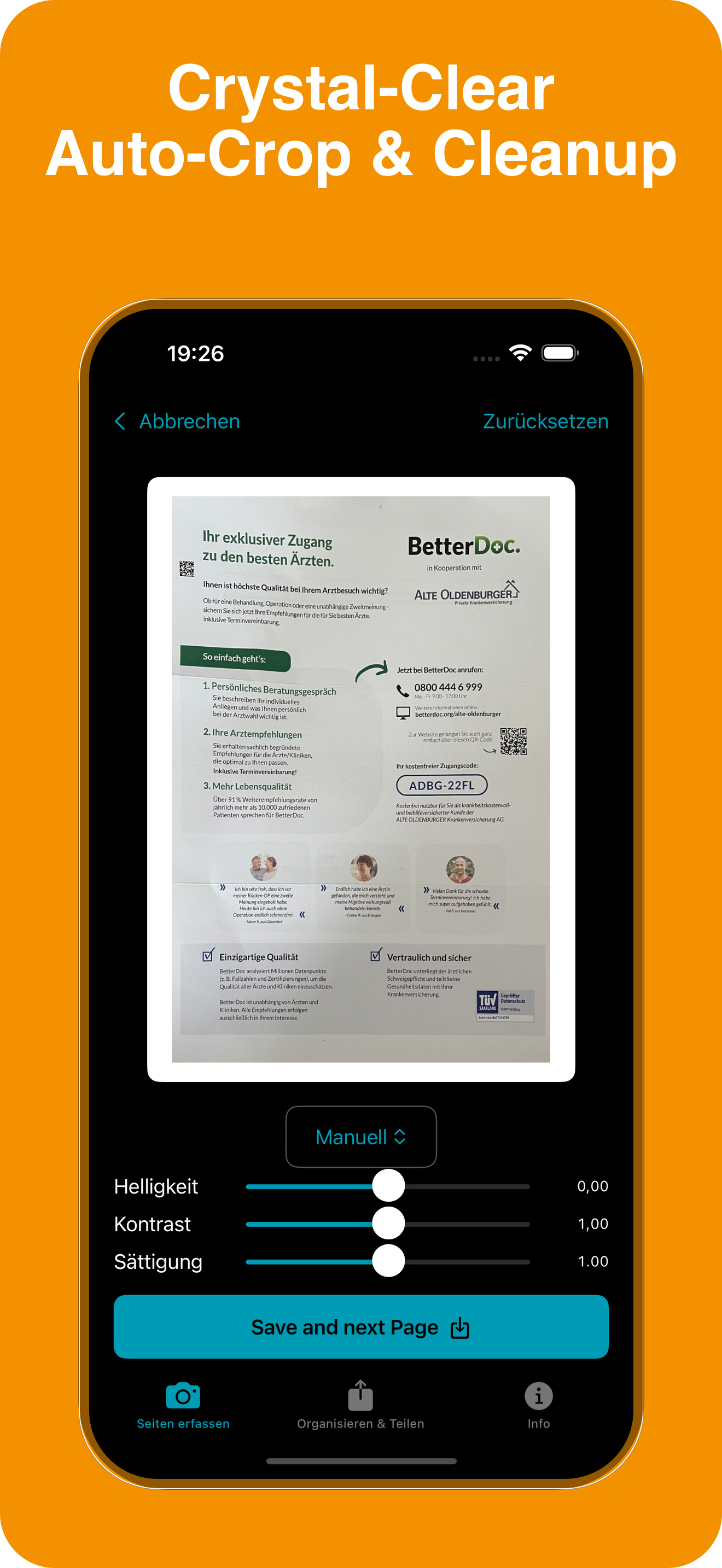
2. Clean ✨
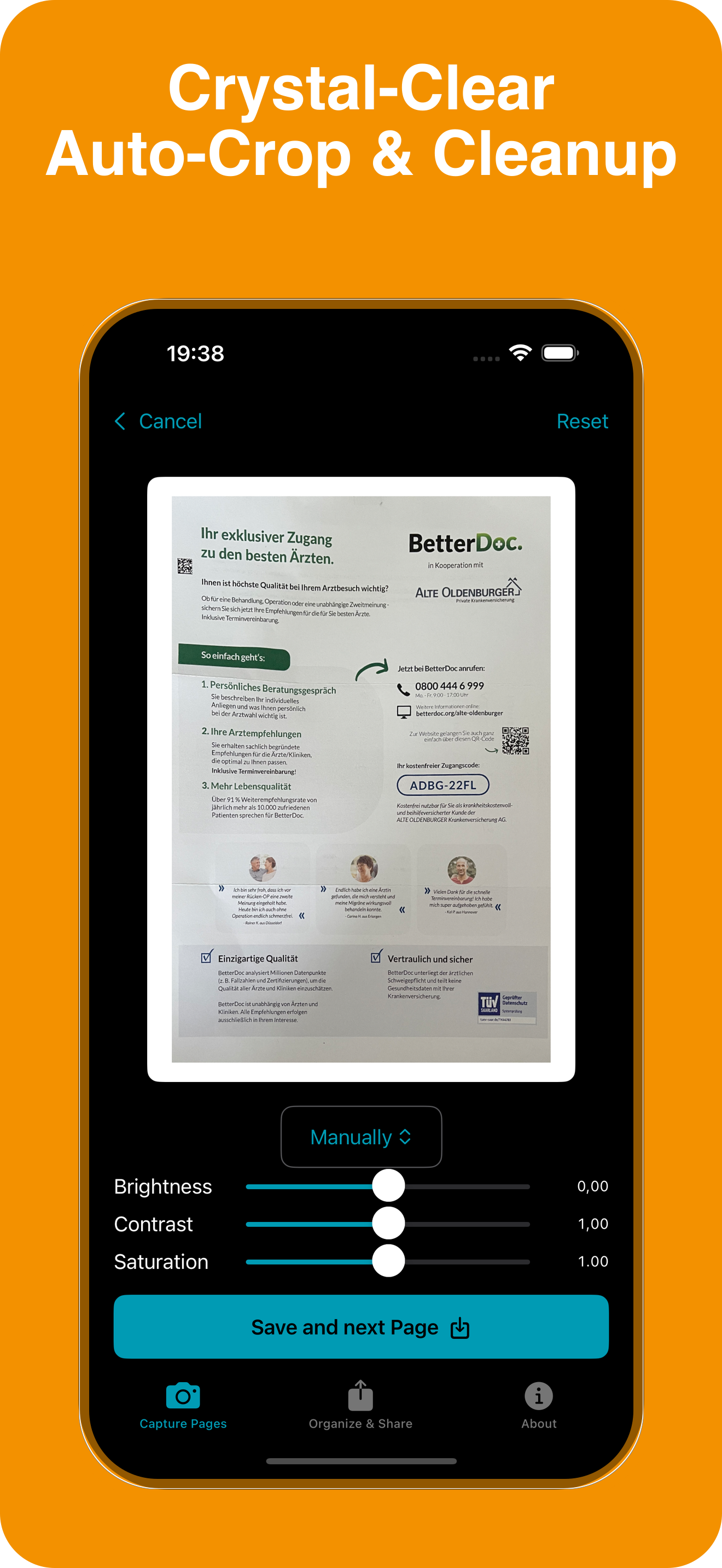
Auto‑crop, straighten, and enhance for a sharp result.
3. Save & Share 📤
Export as PDF, copy text, or send it where you need.
Screenshots



Pricing
Free download
Optional in‑app purchases
FAQ
Does OCR run on my device?
Yes. Text recognition runs on your iPhone for speed and privacy.
Do you store my scans?
No. Scans are saved on your device or iCloud Drive—your choice.
Will it work offline?
Yes. Core features including scanning and OCR work offline.
Is there a subscription?
Core features are free. Some pro features may require in‑app purchases.
Which iOS version is supported?
iOS 17 or later.
Privacy & permissions
Camera access
Used only to capture documents. Nothing leaves your device without your action.
On‑device processing
Image cleanup and OCR run on your iPhone for maximum privacy.
Read our Privacy Policy.